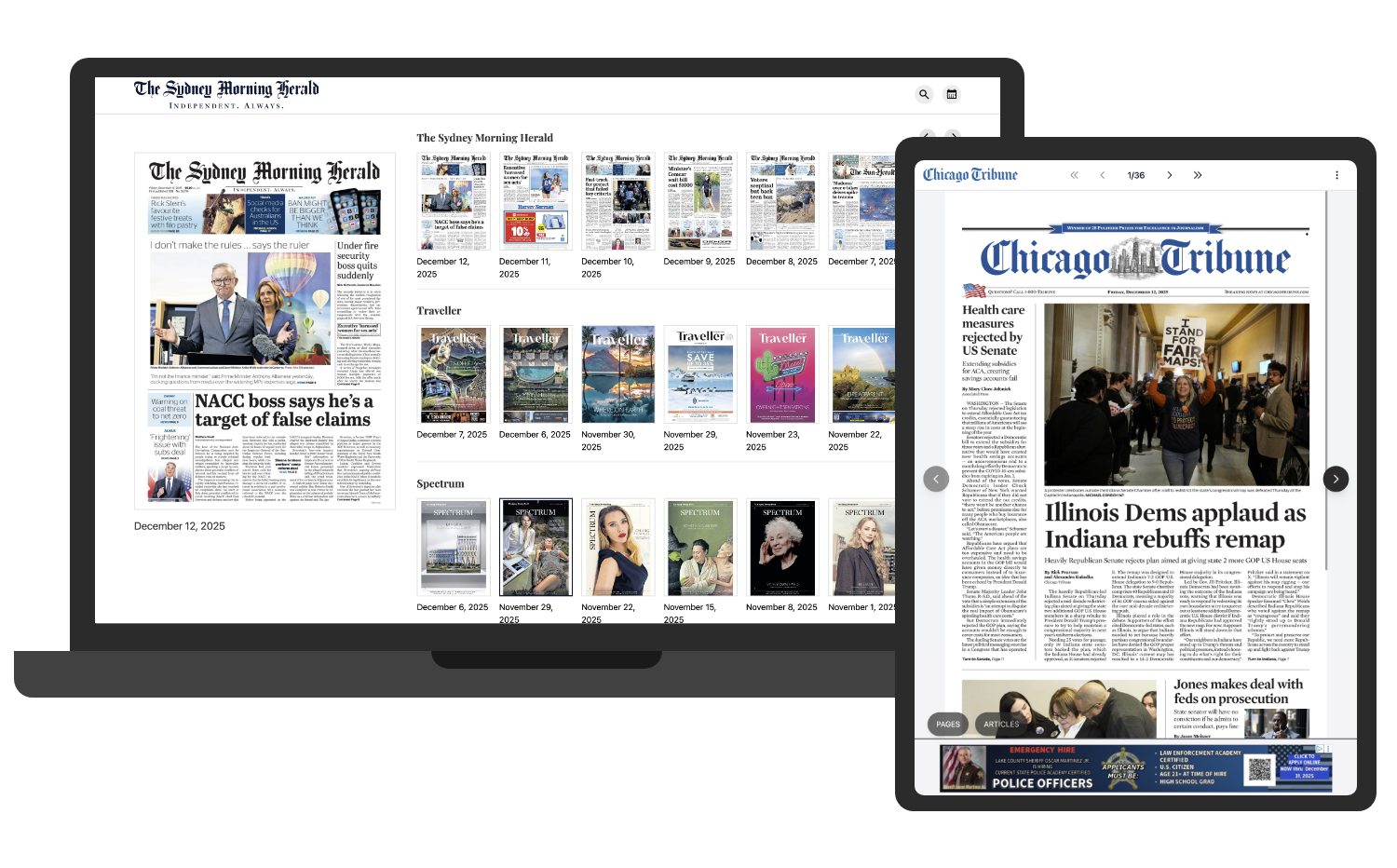
An intuitive, dynamic way to display eEditions
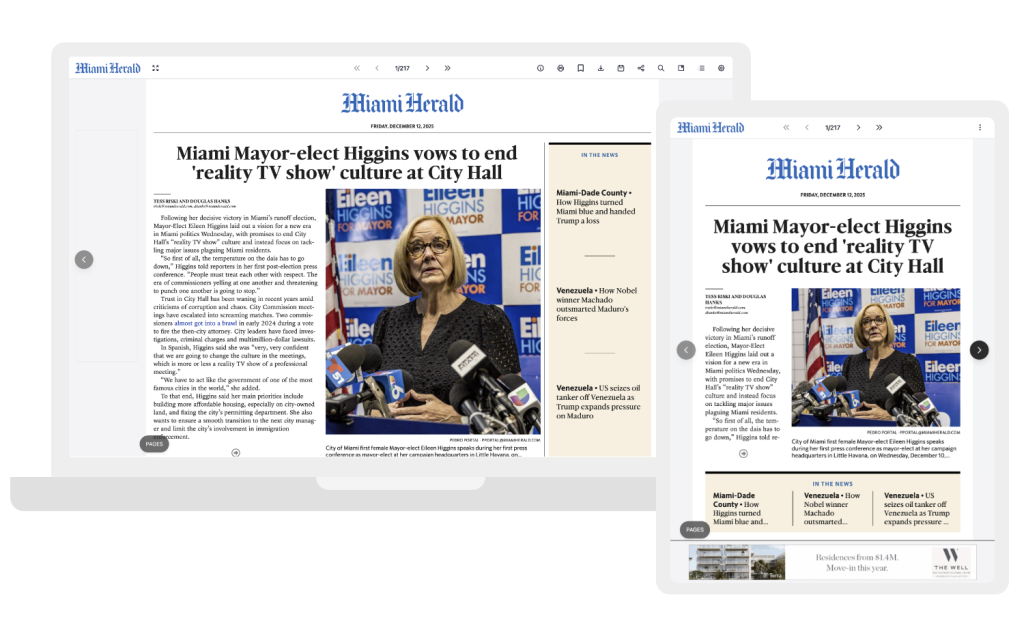
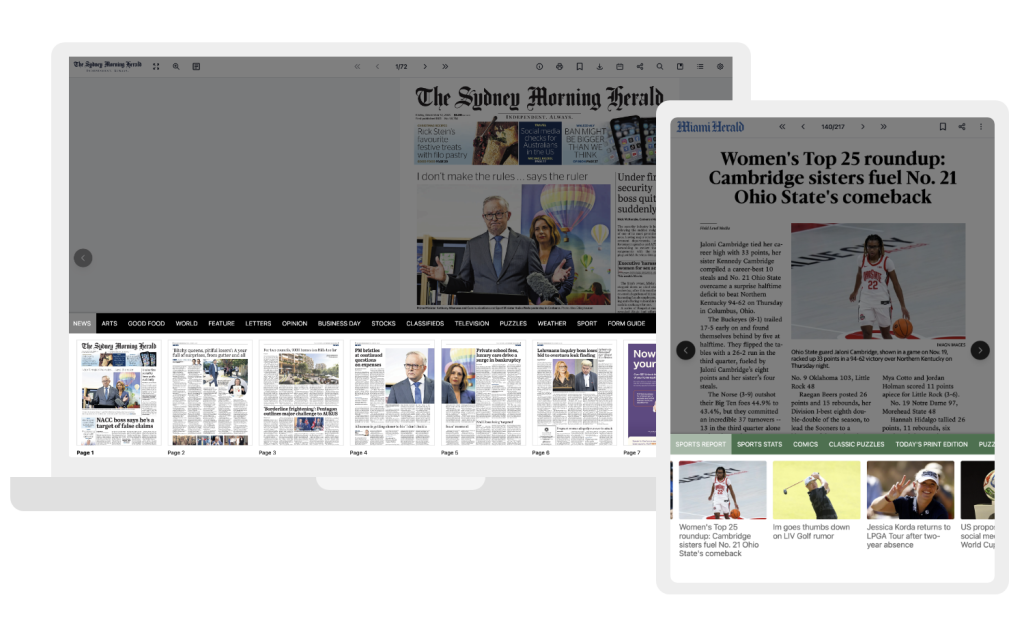
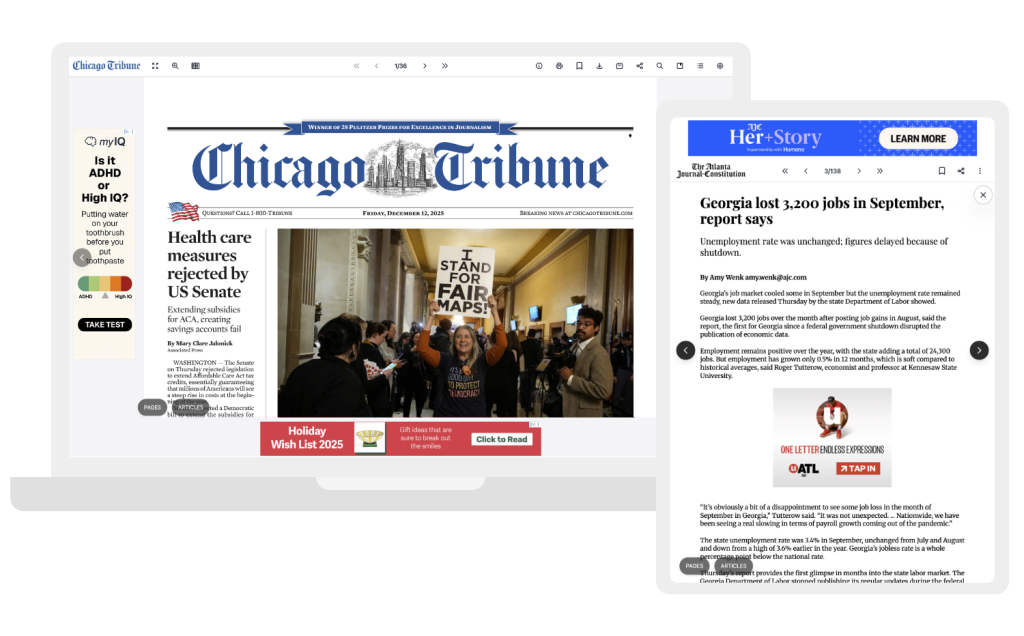
Our Edition Reader delivers a sleek, modern and intuitive experience that makes consuming eEditions effortless on any device. Built for both desktop and mobile web, the interface places content front and centre, combining clean aesthetics with powerful functionality. Readers can seamlessly zoom in on articles or images, switch between multiple reading modes, and navigate editions with ease, ensuring a smooth and engaging experience whether browsing casually or diving into long-form content.
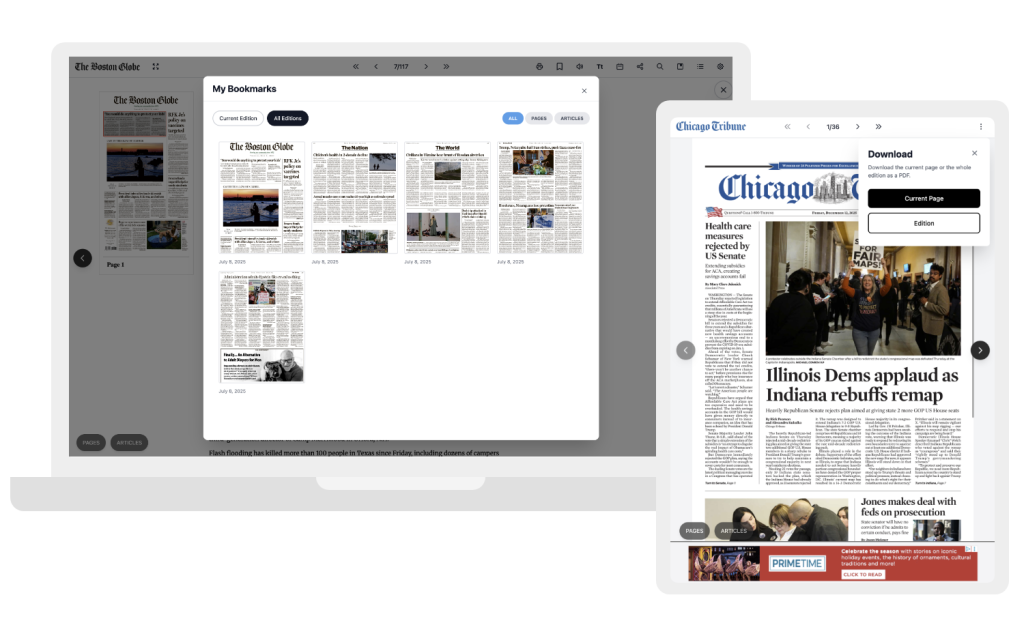
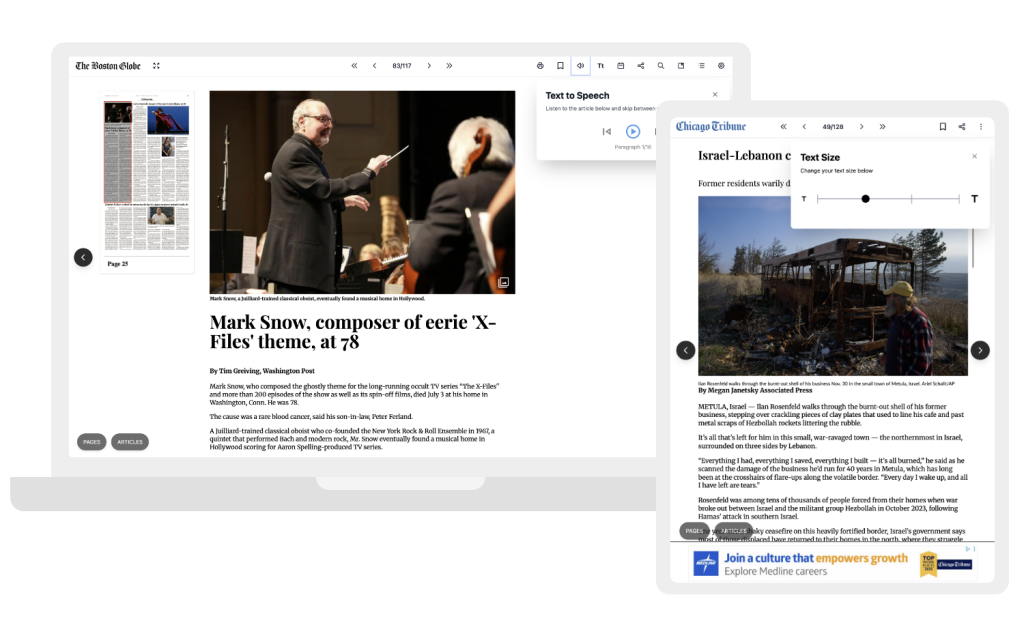
To enhance usability even further, our Edition Reader includes a comprehensive suite of tools designed to support every reading preference. Features such as advanced search, text-to-speech, bookmarks, clippings and sharing functionality allow users to explore content in the way that suits them best. With performance improvements throughout and a user-first design approach, our interface delivers a premium, responsive and accessible reading environment that elevates every eEdition.
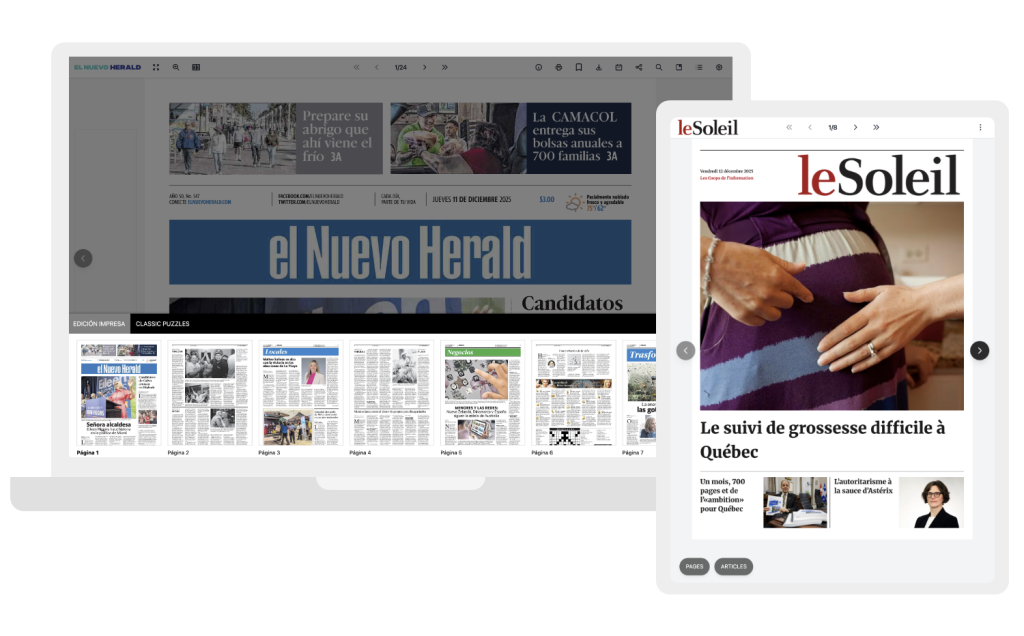
- Multi-publication support – Host multiple publications, supplements, or liftouts on a single landing page
- Consistent reading experience – Unified UI and reader features make navigating eEditions simple and intuitive
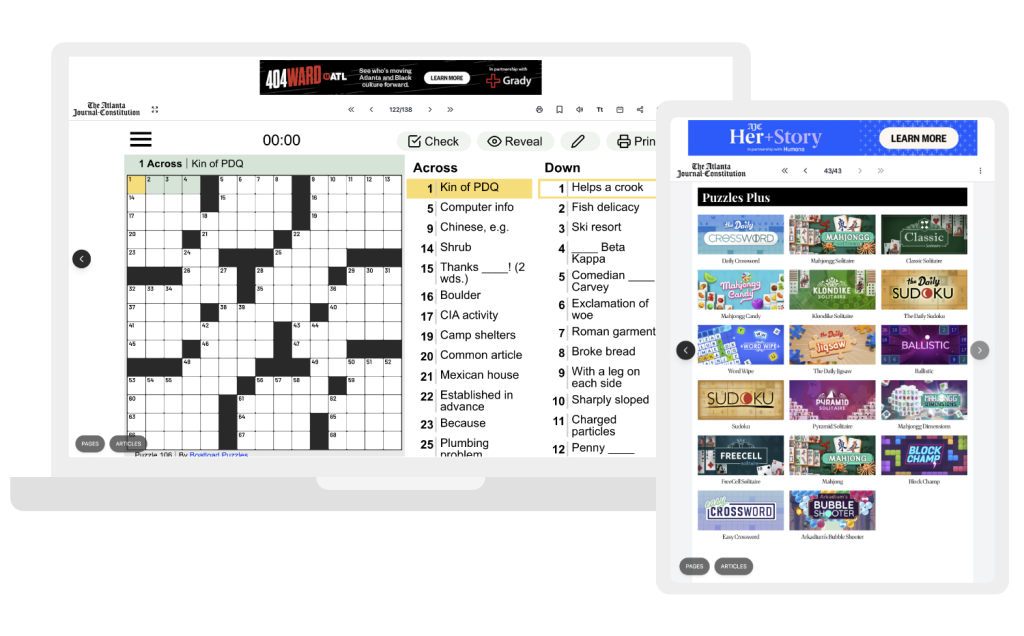
- Hybrid edition formats – Combine PDF pages and HTML feed-driven pages within the same eEdition
- Flexible article templates – Choose from a selection of Article View templates to suit your content and brand
- Built-in monetisation options – Multiple advertising placements help you generate additional revenue from your eEditions
- Reader-preferred modes – Allow users to switch between multiple reading modes for a more personalised experience
- Custom onboarding journeys – Launch tailored onboarding flows or screens to help guide users through key features
Trusted by publishers across the globe.


















Key features for your readers
List key reader facing features here – what are the benefits of the app to readers?
Testimonials
What our clients say
From global news brands to regional publishers, our clients choose PageSuite for our expertise, technology and commitment to delivering exceptional digital experiences. Here’s what they’re saying about us.
Partnering with PageSuite on this project was a positive experience. The team was quick to turn the editions around, receptive to feedback, and responsive to our needs throughout. We look forward to continuing our collaboration on future digital initiatives.
Karen Beaudoin
Maine Trust for Local News
Integrations
Google Analytics
PageSuite provides a comprehensive data layer within our solutions, giving clients full control to implement their own Google Analytics tracking. We support a range of standard events out of the box, enabling immediate insight into key user interactions across your editions. With this flexible setup, teams can easily extend or customise tracking to meet their specific reporting and optimisation needs.
Google Ad Manager
We provide a range of predefined advertising placements across the landing page, around the eEdition and within the article pages. All positions seamlessly integrate with Google Ad Manager, allowing you to efficiently manage and optimise your ad campaigns.
One Trust
We offer full OneTrust integration within our Edition Reader platform, enabling clients to manage user consent and privacy preferences seamlessly. This ensures compliance with data protection regulations while maintaining a smooth reader experience.
The PageSuite Portal
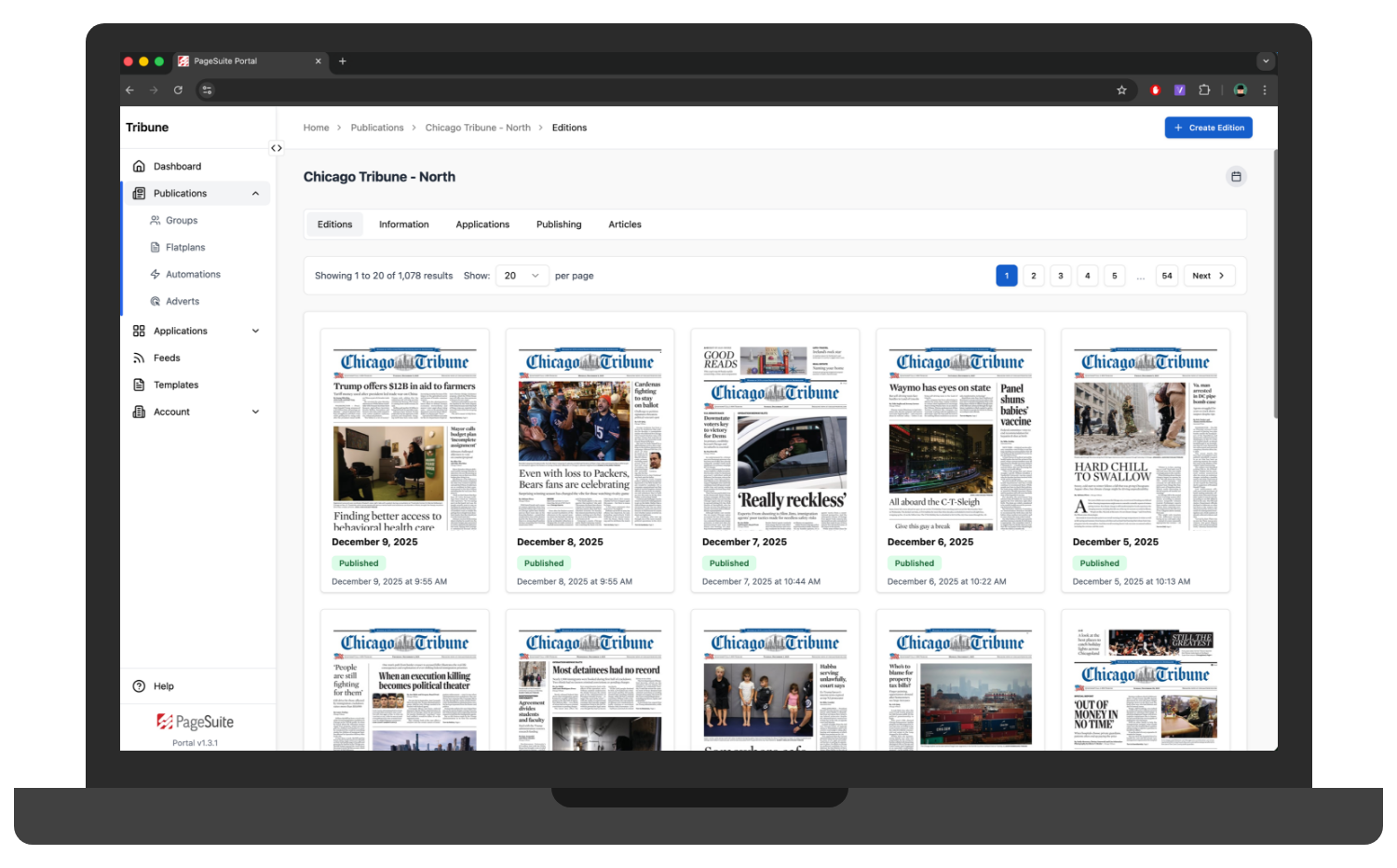
Configure the Edition Reader in the PageSuite Portal
Take full control of your PageSuite Edition Reader in our intuitive portal. Easily organise publications across rails, define default reading settings and tailor the experience with your own branding and customisation options.
FAQs
How do you handle page replacements?
Page replacements can be managed quickly and easily through the PageSuite Portal. Simply select the edition you want to update, upload the revised page file, reprocess the edition and the system will update the live edition. There’s no need to re-upload the full edition – updates are applied seamlessly, ensuring minimal disruption for your readers.
Does the eEdition support interactive features such as article view, text-to-speech, search, or bookmarking?
Yes, our Edition Reader is built with a full suite of interactive features designed to enhance the reading experience across all devices. Readers can switch to Article View for a clean, mobile-friendly reading mode, use text-to-speech to have articles read aloud, and take advantage of advanced search to quickly find topics, sections or keywords across the edition.
Can we customise the design, branding, or layout of the Edition Reader?
You can upload your logo and favicon and customise the section colours used throughout the page or article browser.
Is there support for accessibility features, such as adjustable text size or screen reader compatibility?
Yes, our Edition Reader includes a range of accessibility features. Users can adjust text size, switch between different reading modes, or enable text-to-speech for a more accessible reading experience. The interface is also built with screen reader compatibility, ensuring key navigation elements and article content can be accessed by assistive technologies.